


If you’re searching what is a digital media renderer, you’re usually trying to figure out what tool (or workflow) turns raw visual inputs into the polished images you can actually publish—especially for real estate listings, renovation concepts, or marketing.
In property marketing, the word “renderer” gets used loosely. Sometimes it means true 3D rendering from a model. Other times it refers to enhancing photos, compositing new elements, or generating concept images (including AI-assisted visuals).
Below is a plain-English definition, a practical comparison (digital media rendering vs 3D rendering vs AI photo rendering), and checklists you can use to brief vendors and judge outputs for MLS-ready use.
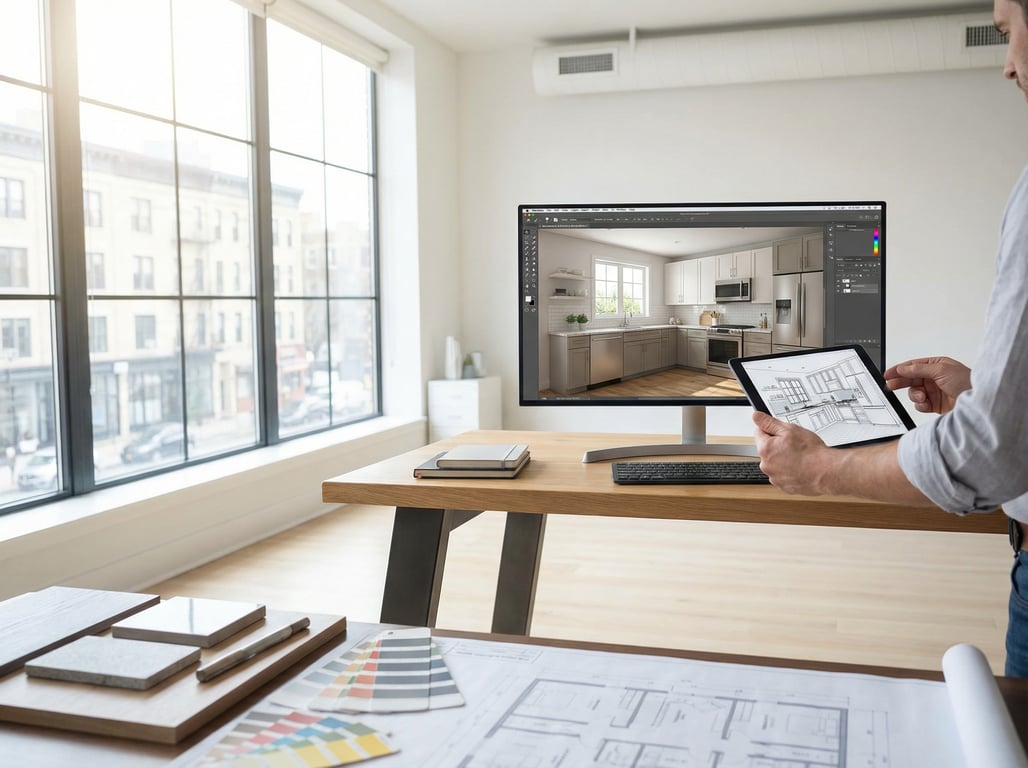
Quick definition: digital media renderer (in plain English)
A digital media renderer is software (or a rendering pipeline) that processes visual inputs—like photos, layers, 3D scenes, or video frames—and outputs a finished visual such as a listing-ready image, an animation, or an interactive preview. In real estate, it’s commonly used to create “after” concepts, staged rooms, lighting variants, and marketing visuals.
What “renderer” means across images, video, and 3D
“Rendering” is the step where a project becomes the final pixels you see.
- In 3D: a renderer calculates lighting, materials, shadows, reflections, and camera perspective to produce a realistic (or stylized) image from a 3D scene.
- In photo workflows: rendering can mean compositing, retouching, perspective correction, or blending new elements into a real photo.
- In video: rendering is exporting the final timeline—effects, color grading, titles (if used), and transitions—into a playable file.
Output types: stills, animations, interactive previews
For property marketing, common deliverables include:
- Stills: MLS-ready JPEGs or web-ready PNGs
- Short animations: walk-throughs, before/after reveals, exterior flyovers
- Interactive previews: 360s, web viewers, or click-through design options (less common, but growing)
Digital media renderer vs 3D renderer: what’s the difference?
A 3D renderer is a specific type of digital media renderer. “Digital media renderer” is the umbrella term.
When you’re actually talking about 3D rendering
You’re talking about 3D rendering when:
- The scene is built from a 3D model (CAD/BIM, SketchUp, Blender, etc.).
- You need precise geometry: new walls, extensions, rooflines, or major layout changes.
- You want consistent results across many viewpoints (e.g., multiple rooms/angles).
This is where inspiration content like 3D rendering modern house ideas fits best: architectural visualization, new builds, additions, and big remodel concepting.
When it’s broader “digital media” rendering (compositing, image enhancement, stylization)
You’re likely in “digital media rendering” territory when:
- You start from real listing photos and enhance or modify them.
- You’re doing virtual staging, decluttering, lawn replacement, sky swaps, or day-to-dusk.
- You’re producing concept visuals quickly to communicate possibilities.
This broader category often overlaps with workflows people describe in Spanish as renderizar fotos inmobiliaria—i.e., to “render real estate photos” into more marketable visuals.
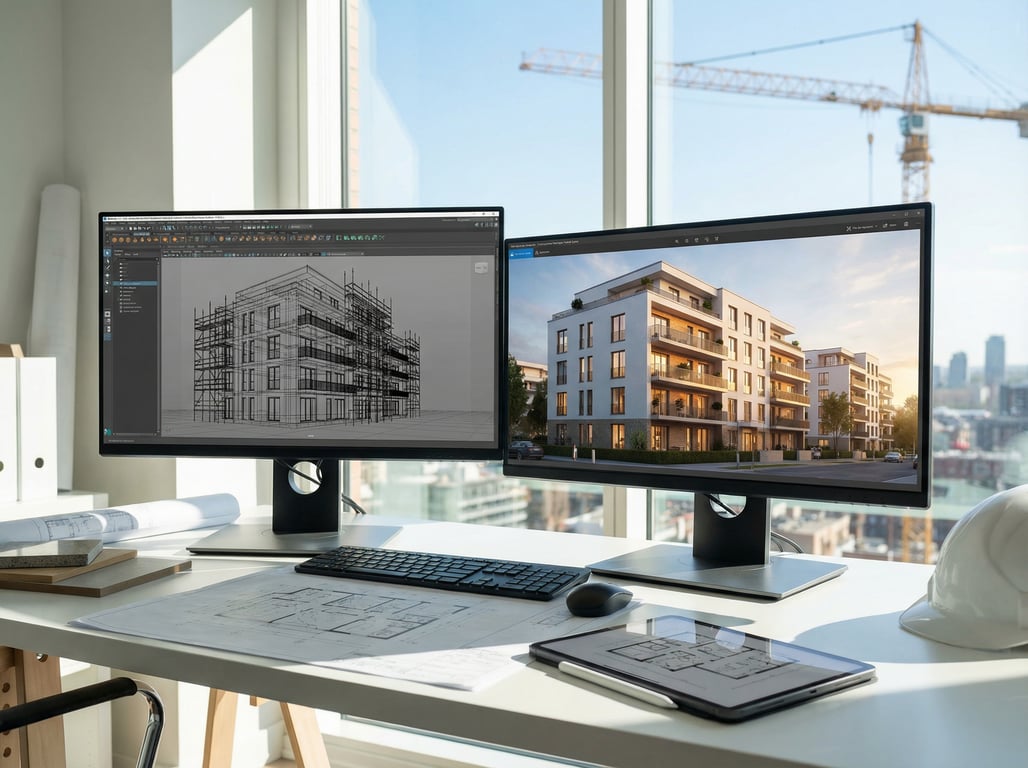
Quick comparison table (when to use what)
- Digital media rendering (photo-based): Best for fast listing improvements, concept overlays, virtual staging, and lighting variants using existing photos.
- 3D rendering (model-based): Best for structural changes, new construction, accurate geometry, and multi-angle consistency.
- AI photo rendering: Best for rapid style exploration and early concepts; requires extra QC for realism, consistency, and disclosure.
Common use cases in property marketing
Digital media renderers (including 3D and AI-assisted workflows) are most valuable when you need a buyer-friendly story: “Here’s what it is today” and “here’s what it could be.”
Virtual renovation / remodel concepts from photos
This is the classic “before/after” use case:
- Kitchen refresh: cabinet color swap, new counters, new backsplash
- Bathroom modernization: fixtures, tile, mirror/lighting updates
- Whole-room makeover: flooring, paint, decor, lighting
If you’re starting from listing photos and want publishable results, a practical next step is to render real estate photos to match your local listing standards.
If your property type is more specific—say, you’re explaining layout potential in what is a tri level home scenarios—renderings can help show how split levels might be opened up, re-zoned, or modernized without requiring buyers to imagine it.
Virtual staging and furniture placement previews
Virtual staging is often photo-based rendering with added furniture, decor, and sometimes layout adjustments:
- Helps empty rooms feel appropriately scaled
- Shows function (office nook, dining area, guest room)
- Creates an emotional “move-in ready” impression
If you’re considering AI-assisted staging, see AI virtual home staging for what to expect and what to double-check before publishing.
Exterior/landscape concept visuals
Exterior renders can include:
- Fresh paint/siding colors
- New windows/doors
- Landscaping cleanups, hedges, lawn repair
- Patio/deck additions (light-to-moderate scope)
For major structural exterior changes, move toward a 3D model-based workflow.
Day-to-dusk and lighting mood variants
Lighting variants are popular because they’re fast and highly marketable:
- Day-to-dusk conversions
- Warm interior lighting glow
- Balanced window exposure (without “fake HDR” artifacts)
These should still preserve the home’s true features (window placement, exterior lines, and overall condition).
What inputs does a renderer need?
The fastest way to get good results is to provide clean inputs and clear constraints.
Photos vs 3D models vs floor plans
Use this as a briefing guide:
- Photos: Best for virtual staging, cosmetic renovations, declutter/clean-up, lighting variants. Provide high-res originals and multiple angles.
- 3D models: Best for major remodels and new builds. Provide source files if available, or expect modeling time.
- Floor plans: Useful for layout understanding and furniture scale, even in photo-based workflows.
If you’re aiming for modern design concepts (e.g., 3d rendering modern house ideas), reference images plus floor plans can bridge the gap when a full 3D model doesn’t exist.
Style references and constraints (materials, colors, budget realism)
Render quality improves when you include:
- 3–8 reference images per space (style, mood, materials)
- A short “must keep” list (e.g., keep hardwood, keep window trim)
- Material notes (cabinet style, countertop type, paint colors)
- Budget realism cues (starter refresh vs mid-range vs luxury)
For AI-heavy workflows, it also helps to specify what cannot change (window sizes, ceiling heights, permanent built-ins) to reduce hallucinated details. If you’re comparing tools, explore AI decorating apps to understand where AI excels (ideas) vs where human QC matters (accuracy and consistency).
Quality checklist: how to judge a render for listing use
Not every render is publishable for MLS or major portals. Use this checklist to spot issues early.
Realism: lighting, shadows, scale, perspective
Check for:
- Lighting direction consistency: shadows match window locations and lamp sources
- Correct scale: furniture isn’t oversized/undersized relative to doors, outlets, counters
- Perspective alignment: verticals are straight; added elements follow the room’s camera angle
- Material believability: wood grain scale, tile repetition, reflection strength
- No “AI tells”: warped edges, inconsistent textures, impossible reflections
Honesty and disclosure: ‘concept’ vs ‘as-built’
Best practice: treat anything that changes the perceived condition or contents as a concept image.
- Label virtual staging as virtually staged.
- Label renovation visuals as a proposed concept, not a finished result.
- Avoid depicting upgrades that imply included features unless explicitly stated.
This is especially important when renderings influence buyer expectations (new kitchens, added recessed lights, different landscaping).
Consistency across a photo set (MLS-ready)
A set feels professional when it’s consistent:
- Similar white balance and contrast across rooms
- Matching lens/perspective correction
- Staging style coherence (don’t mix ultra-modern and farmhouse randomly)
- Export sizes/crops aligned with your marketing channels
Timeline & cost factors (what impacts turnaround)
Turnaround depends less on the word “renderer” and more on scope and iteration.
Number of angles/rooms
More viewpoints typically means:
- More time to stage/renovate each angle
- More opportunities for inconsistency
- More revisions to align style across the set
Tip: prioritize 1–2 hero angles per key space (kitchen, living, primary bedroom, curb appeal).
Level of change: paint vs full remodel
A good rule of thumb:
- Light edits (paint, decor, declutter): faster and cheaper
- Moderate edits (flooring + cabinets + fixtures): more time for realistic blending
- Full remodel concepts (layout changes): often requires 3D modeling for accuracy
Revision rounds and deliverable formats
Expect timeline changes based on:
- Number of revision rounds included
- Whether you need multiple styles (modern vs transitional)
- Deliverables: web images, print, social crops, animations, or interactive outputs
To keep revisions efficient, provide a single decision-maker and a clear “approve this style” reference early.
Key takeaways
- Keep definitions crisp; add a comparison table (digital media rendering vs 3D rendering vs AI photo rendering) to win featured snippet-style answers.
- Emphasize real estate use cases (before/after visuals, virtual staging, listing photos) to match Property Glow’s topical authority.
- Avoid medical/engineering or unrelated “renderer” meanings; keep scope to visual media.
- Add a brief disclosure best practice section for ethical listing marketing (concept images).
FAQ
What is the difference between a renderer and a rendering?
A renderer is the tool or software that produces the final image/video. A rendering is the finished output (the image, animation, or preview) created by that tool.
Is a digital media renderer the same as a 3D renderer?
Not always. A 3D renderer specifically outputs images from a 3D scene/model. Digital media renderer can also include photo-based compositing, enhancement, stylization, and AI-assisted image generation.
What file formats do renderers output for real estate listings?
Most listing workflows use JPEG (MLS/portals) and sometimes PNG (when you need cleaner edges or transparency for marketing comps). Video outputs are commonly MP4. Ask for high-res masters plus web-optimized exports.
Are AI-generated renovation images considered renderings?
Should you disclose virtual staging or virtual renovation images in listings?
Yes. If an image shows furniture, finishes, lighting, or conditions that aren’t present in the property as photographed, disclose it as virtually staged or a renovation concept to set accurate buyer expectations.