
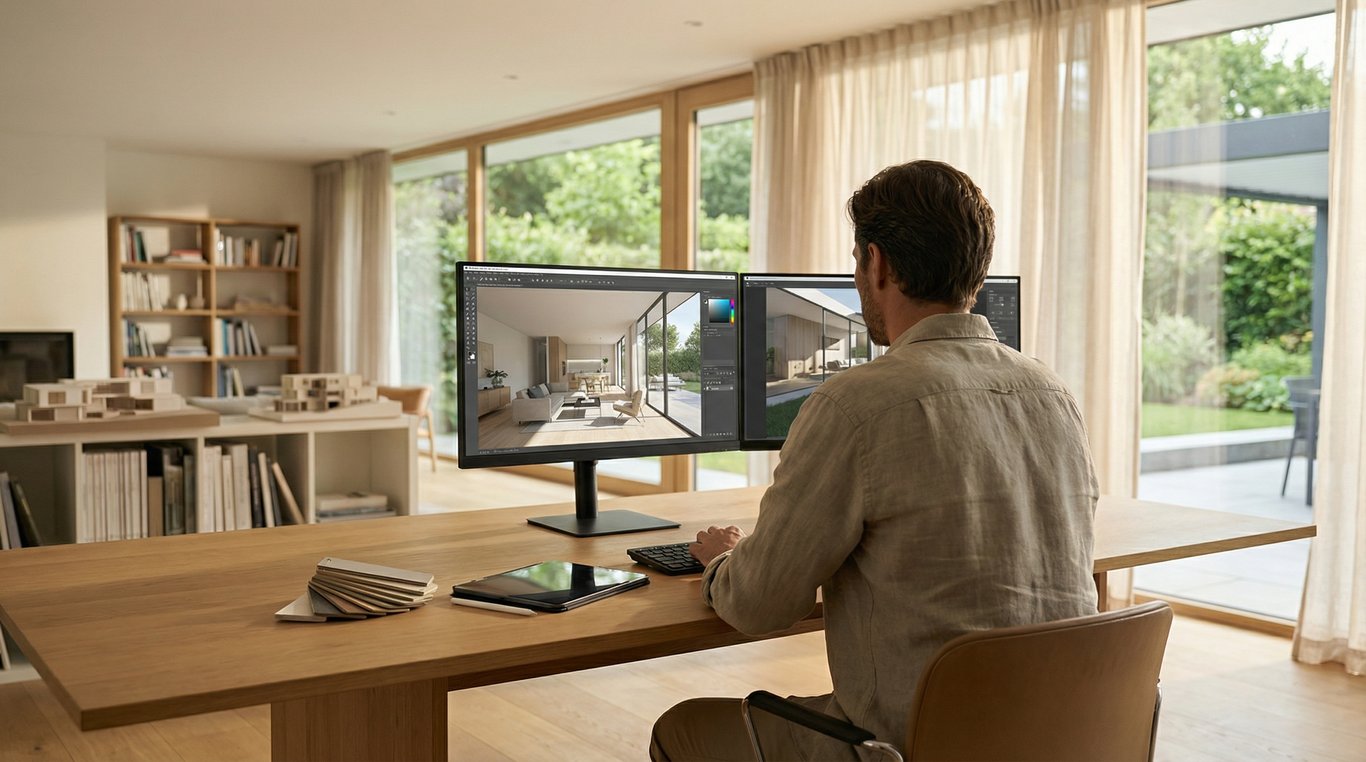

Real estate listings move faster when buyers can instantly understand potential—not just current condition. The right computer software for home design helps you produce clear, consistent visuals for marketing: before/after concepts, light renovations, and layout clarity.
But “home design software” can mean very different things: photo-based AI redesign, floor plan tools, full 3D modeling, or simple interior planning apps. If you pick the wrong category, you’ll either spend too much time (overkill) or end up with visuals that don’t match what you need for MLS and buyer trust.
This guide breaks down the main types of home design software (and related house design computer software) specifically for listing workflows—so you can choose based on your goal, speed, realism, and disclosure requirements.

What “home design software” means (and what it doesn’t)
In a real-estate context, home design software is any tool that helps you visualize changes to a property—layout, finishes, furniture, lighting, landscaping, or renovations—so buyers can better picture the space.
What it doesn’t automatically mean: a single app that does everything (floor plans, remodeling, photoreal rendering, and MLS-ready output) equally well.
Home design vs interior design vs 3D rendering vs virtual staging
These terms overlap, but they’re not interchangeable:
- Home design software: broad umbrella. May include layout tools, remodel planning, interior planning, and visualization.
- Interior design software: focuses on furniture, decor, and finishes. Often lighter-weight; may be 2D or simple 3D.
- 3D rendering software: built to generate photorealistic imagery from a 3D scene (high control, higher effort).
- Virtual staging / AI renovation tools: typically “photo-in, image-out” workflows that transform listing photos into staged or renovated concepts quickly.
If you’re unsure where “digital media rendering” fits, see what a digital media renderer is and the deeper comparison digital media renderer vs 3D rendering.
When you need each in a listing workflow
Use this quick mapping to common listing tasks:
- Occupied/empty room looks dated → virtual staging or AI renovation (fastest path to “imagine living here”).
- Property needs layout clarity (weird flow, additions, multi-unit) → floor plan & layout tools.
- New build / unbuilt renovation (no “before” photo exists) → 3D modeling + photoreal rendering.
- Light refresh guidance (paint, furniture sizing) → interior planning/decor tools.
Quick decision guide: pick the right software based on your goal
Use this as a starting point before you compare brands.
Need fast listing visuals (before/after images)
Choose AI renovation & virtual staging tools when:
- You already have listing photos.
- You need a consistent “after” look across multiple rooms.
- You want speed (same day or 24–48 hours) over full design control.
This is where an AI decorating app is often the best fit—especially for turning “dated but livable” rooms into modern marketing concepts.
Tip: If budget is tight and you’re testing workflows, calibrate expectations with AI room design free (for real estate). Free tools can be useful for drafts, but consistency and licensing are often the real blockers.
Need a floor plan / layout
Choose floor plan & layout tools when:
- Buyers need a clear understanding of room relationships.
- You’re marketing a multi-level home, condo, or multi-family unit.
- Renovation value depends on reconfiguring space.
If you don’t have an existing plan, start with ways to find floor plans by address before you invest time rebuilding from scratch.
Need photorealistic 3D renders
Choose 3D modeling/rendering suites when:
- The space doesn’t exist yet (new construction, major remodel).
- You need exact materials, lighting, and camera matching.
- The deliverable is investor-grade or architect-grade visualization.
This route takes longer, but it can be the most “truthful” when you must depict a specific scope of work.
Need mood boards / furniture planning
Choose interior planning/decor tools when:
- The goal is quick direction (style, palette, approximate furniture sizes).
- You’re advising sellers how to prep or lightly update.
- You don’t need MLS-ready photorealism—just clarity.
If you’re mostly in this lane, a curated list of tools can help; see best interior design apps for real estate to decide when an interior design app is “enough.”
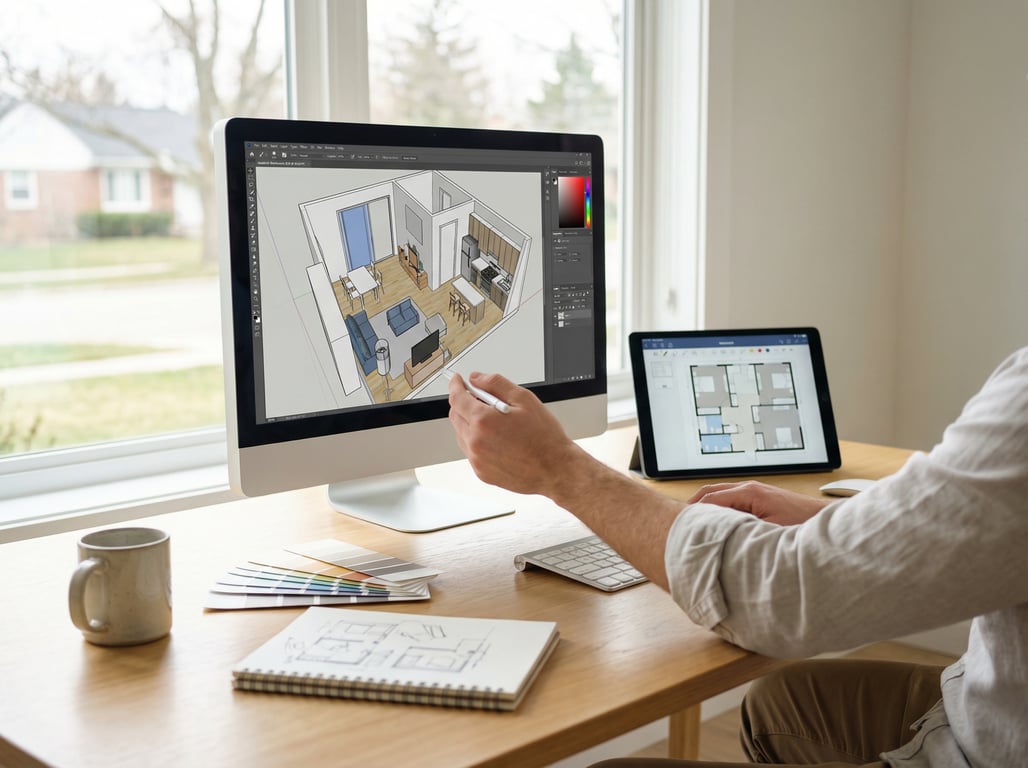
Home design software categories (with pros/cons for real estate)
Instead of a brand-heavy list (which gets outdated fast), use categories to match the tool to your workflow.
AI renovation & virtual staging tools (photo-in, image-out)
Best for: fast “after” visuals from real listing photos.
Pros
- Fast turnaround for marketing timelines.
- Works well for high-impact rooms (living room, kitchen, primary bedroom).
- Often easier to standardize across a photo set than DIY editing.
Cons
- May introduce artifacts (odd geometry, inconsistent windows/fixtures).
- Limited control over exact products/materials.
- Disclosure and MLS compliance vary by market.
Where this shines in practice: a dated bath can be a conversion killer, so quick concepts can help buyers reframe it. If bathrooms are your sticking point, consider using a dedicated bathroom design tool for renovation direction, then produce listing-ready visuals with your chosen staging/AI workflow.
Floor plan & layout tools
Best for: creating or cleaning up 2D plans, basic 3D massing, and clear marketing diagrams.
Pros
- Adds immediate buyer clarity (especially online).
- Useful even when you’re not “changing” the home.
- Great complement to staging visuals.
Cons
- Doesn’t solve “dated finishes” by itself.
- Accuracy depends on source measurements.
3D modeling/rendering suites
Best for: unbuilt renovations, additions, and new construction marketing.
Pros
- Highest control over geometry, materials, and camera angles.
- Best path to truly photoreal visuals when built correctly.
- Enables multiple design options (A/B concepts) from one model.
Cons
- More time, skill, and cost.
- Harder to iterate quickly if the scope keeps changing.
If you’re comparing render approaches, it helps to understand how “digital media rendering” differs from traditional 3D pipelines. Start with what a digital media renderer is and then see digital media renderer vs 3D rendering for listing-visual use cases.
Interior planning/decor tools
Best for: furniture planning, mood boards, and seller prep guidance.
Pros
- Fast, approachable, and often affordable.
- Great for “what fits here?” conversations.
- Helpful for communicating style direction to sellers.
Cons
- May not be photoreal enough for listing hero images.
- Less effective for major remodel visualization.
Category comparison table (real-estate use)
| Category | Best use case | Typical output | Speed | Control | Main risk |
|---|---|---|---|---|---|
| AI renovation / virtual staging | Before/after listing visuals from photos | Edited photos | Fast | Medium | Artifacts + disclosure issues |
| Floor plan & layout | Buyer clarity, flow, measurement context | 2D plan / simple 3D | Medium | Medium | Inaccurate dimensions |
| 3D modeling + rendering | New build / major remodel marketing | Photoreal renders | Slower | High | Time + cost |
| Interior planning/decor | Furniture fit + style direction | Mood boards / simple visuals | Fast | Low–Med | Not “listing-grade” realism |
Key features to compare before you choose
When evaluating house design computer software, these criteria matter more in real estate than “fun features.”
Photorealism and consistency across a photo set
Ask:
- Can the tool keep a consistent style across 10–30 photos?
- Will flooring/paint choices match from room to room?
- Can you avoid the “every room looks like a different house” problem?
Consistency is often more persuasive than ultra-high realism in one hero image.
Controls: style, materials, lighting, declutter
Look for practical controls that map to listing needs:
- Style presets that match your market (modern, transitional, coastal, etc.).
- Specific toggles for “declutter,” “remove furniture,” or “keep architecture.”
- Lighting adjustments that don’t blow out windows or change wall color unpredictably.
Speed/turnaround and batch processing
For listing timelines, speed isn’t a luxury—it’s the point.
Checklist:
- Batch processing for multiple rooms.
- A revision loop that doesn’t reset the whole look.
- Predictable turnaround (especially if you’re coordinating photographer + agent + seller).
Commercial usage rights and licensing
Before you pay or publish, confirm:
- You’re allowed to use outputs in commercial listing marketing.
- You can post on MLS, portals, social ads, and brochures.
- The tool’s terms cover your use case (agent vs brokerage vs photographer).
If licensing language is vague, treat it as a risk.
Export formats and MLS-friendly image guidelines
Common practical requirements:
- Standard JPG/PNG exports with controllable resolution.
- Ability to avoid embedded watermarks.
- Easy naming/versioning so you don’t mix originals and altered images.
Also consider adding a simple “Virtual staging/renovation” label in your own workflow (even if the platform doesn’t require it) to reduce compliance mistakes.
Common mistakes (and how to avoid misleading visuals)
High-performing visuals still have to be credible.
Over-renovating beyond realistic budget/constraints
Avoid “dream remodels” that don’t match the property:
- Don’t remove load-bearing walls visually unless that’s truly feasible.
- Don’t depict premium finishes in an entry-level neighborhood unless the plan is to do it.
- Keep the concept aligned with a plausible scope: paint, floors, fixtures, staging.
If you want to show multiple renovation tiers, label them clearly (e.g., “Cosmetic refresh concept” vs “Full remodel concept”).
Inconsistent angles and lighting between rooms
Buyers notice when:
- Window positions shift.
- The camera height changes drastically.
- Lighting direction flips from one image to the next.
Fix with process:
- Start from a consistent, well-shot photo set.
- Standardize one or two styles for the entire listing.
- Review outputs as a “gallery,” not as single images.
Not disclosing virtual renovations when required
Rules vary by MLS/association and by platform, but the safest practice is:
- Disclose when images are virtually staged or virtually renovated.
- Keep originals archived and available.
- Avoid altering permanent features in a way that could be interpreted as deceptive.
When in doubt, treat AI-altered visuals as marketing concepts—not as documentary photography.
Key takeaways
- Keep positioning about real-estate outcomes: faster listing marketing, renovation visualization, clearer buyer imagination.
- Differentiate from existing content: do not replicate “best interior design apps” listicle; instead present categories + selection framework + real-estate-specific evaluation criteria.
- Include a simple comparison table by category (not brand-heavy if uncertain), and keep claims non-absolute.
- Add guidance on ethical/disclosure considerations for AI-altered listing images.
FAQ
What is the best home design software for real estate agents?
Is home design software the same as virtual staging?
No. Virtual staging is one category within home design software. Home design software may also include floor plan tools, interior planning apps, and full 3D rendering suites.
Do I need 3D rendering software to market a renovation?
Not always. If you have existing listing photos, photo-based AI renovation visuals can communicate the idea faster. You typically need 3D rendering software when the space doesn’t exist yet or when you must show exact, buildable details.
Can AI home design software be used for MLS listing photos?
Sometimes, but it depends on your MLS and local rules. Many markets allow virtually staged/altered images with proper disclosure. Always check licensing and disclosure requirements, and keep original photos on file.