
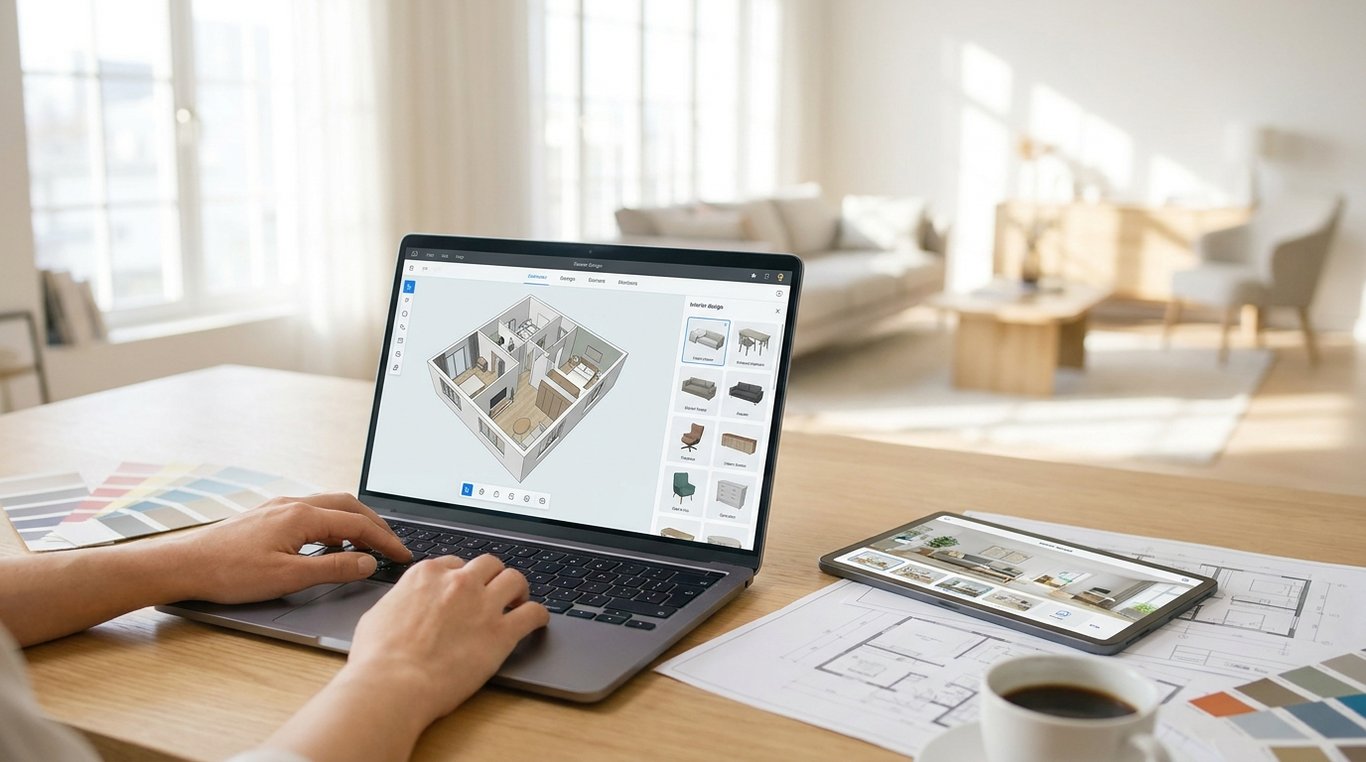

If you have ever needed to show a seller what a dated bedroom could look like with lighter furniture, or help a buyer picture a better layout in an empty condo, you have probably looked at room-planning software before looking at full design services. That is where roomstyler 3d home planner often enters the conversation. It promises a browser-based way to build a room, add furnishings, and create a visual concept without learning professional CAD software.
For real estate, that sounds useful—but only up to a point. Agents and marketing coordinators rarely need “design software” in the abstract. They need something more specific: a fast way to create visuals that help win listings, guide prep decisions, or market a property without misleading buyers. The practical question is not just whether Roomstyler works. It is whether it produces the kind of output your workflow actually needs.
This guide takes a decision-focused view. We will look at what Roomstyler is, what it can produce for listing prep and client communication, where it tends to fall short for marketing-grade imagery, and when another tool is the better fit.
What is Roomstyler 3D Home Planner?
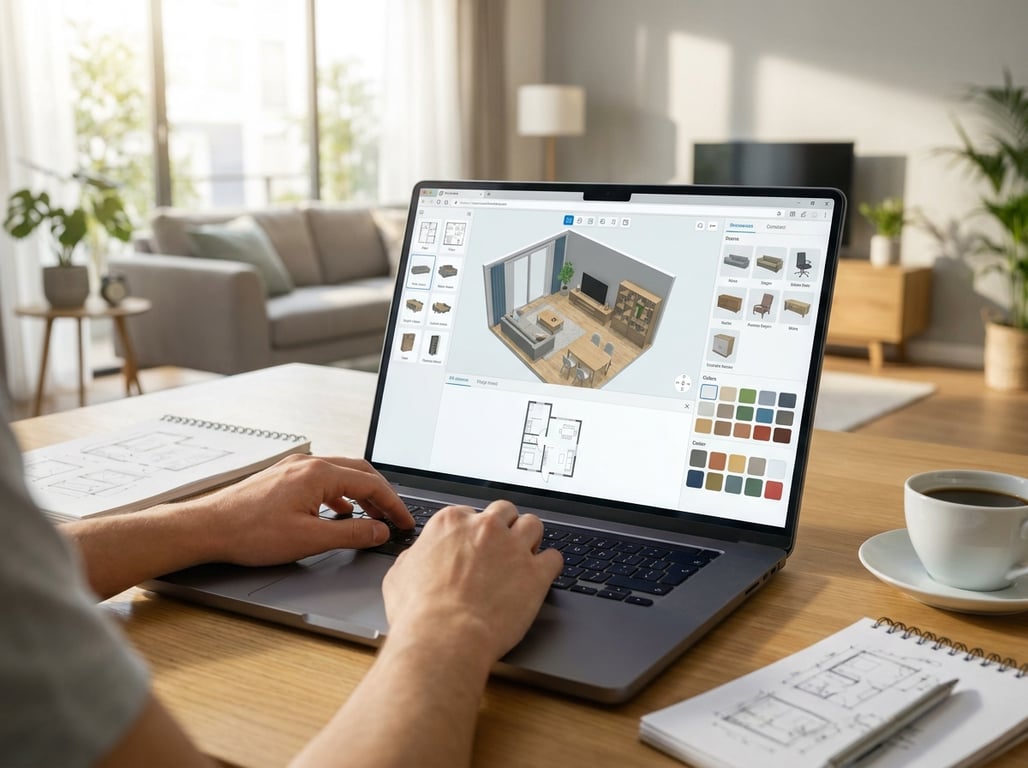
In plain English, Roomstyler is a browser-based interior planning tool. The typical workflow is simple: create a room or layout, drag in furniture and decor, adjust the look, and render a visual preview. For agents, that means you can mock up a space concept without installing complex software or drawing everything from scratch in a technical drafting program.
Its core features are aimed at visualization rather than construction documentation. You can build room shapes, place furnishings, experiment with styles, and generate images that communicate how a space might feel after light updates or staging. That makes it more useful than a floor-plan-only tool when the goal is emotional storytelling or buyer imagination, not just dimensions.
That distinction matters in real estate. A pure floor plan tool helps explain where walls, doors, and square footage fit together. Roomstyler sits closer to the “show the possibility” side of the spectrum. It is less about blueprint precision and more about creating a presentable room scene. If your task is “help this seller understand a better furniture layout,” that can be enough. If your task is “produce listing-ready before-and-after visuals from actual photos,” it usually is not.
Because it runs in the browser, Roomstyler is approachable for non-designers. That lowers the barrier for agents who need occasional concept visuals. But ease of entry should not be confused with instant production. You still have to model the room, choose furnishings, and refine the scene enough to make it useful. The software may be easier than pro design tools, but it still asks you to spend time building something.

What Roomstyler 3D Home Planner produces for real estate marketing
The most useful way to evaluate Roomstyler is by deliverables, not features. In a real-estate workflow, the outputs that matter are things like concept renders, layout mockups, inspiration visuals, seller presentation images, and marketing graphics for email or social media. Roomstyler can help with several of those, especially when the goal is to communicate direction rather than produce a literal representation of the current room.
A good example is a vacant living room in a listing appointment. Instead of telling the seller “a sectional would probably work against that wall,” you can create a visual concept that shows furniture placement, a general style, and the effect of scale. For investor presentations, you can also use it to suggest how an outdated room could feel after basic cosmetic updates. In both cases, the image works as a visualization tool even if it is not a photo-real simulation of the exact property.
Where agents get frustrated is when they expect Roomstyler to behave like photo-based virtual staging software. It does not start from listing photos in the same way AI-first staging tools do. You are building a scene rather than editing the real image. That makes it harder to create consistent before-and-after views from the same camera angle, which is often what sellers, buyers, and marketers want. It also limits how convincingly the final output matches actual lighting, finishes, window placement, and lens perspective.
Export and sharing details also matter more than many users expect. A room planner may let you download images or share a link, but the details can affect whether the result is usable in real listing workflows. Resolution limits, branding, plan restrictions, watermarking, or fewer rendering options can all become friction points. Before adopting any room planner for team use, it is smart to verify what image quality you can export and whether the output is appropriate for client-facing marketing materials.
That is also why concept labeling matters. If you use Roomstyler visuals in a listing presentation, social post, or email campaign, present them as visualizations or design concepts—not as exact representations of the property. That is both a practical and trust issue. Clear labeling prevents confusion and helps you avoid overselling a result the property does not yet have. If you are deciding between conceptual planning and true staging support, it may also help to compare that workflow with professional staging in a guide like Home Stagers for Real Estate: What They Do, Costs, and When to Use Virtual Staging.
Pros and cons for real estate use
The biggest advantage of Roomstyler is speed relative to traditional design software. If your baseline alternative is hiring a designer or learning a more technical platform, Roomstyler can feel fast and forgiving. For empty rooms, dated interiors, or rough presentation drafts, it gives agents a way to move from idea to visual without a major production process. That can be enough to support a listing pitch, a prep conversation with a seller, or an internal discussion with a team.
It is also useful because it translates vague advice into something visible. Sellers often respond better to “here is what this room could become” than to a list of furniture suggestions. Buyers do too. A room layout that seems awkward in words can suddenly make sense when shown visually. In that sense, Roomstyler is not just a design tool; it is a communication tool. It helps reduce abstraction.
The tradeoff is realism. For serious property marketing, the gap between a concept render and a convincing listing image can be significant. Materials may look generic. Lighting may not match the real room. Furniture can feel catalog-like rather than naturally integrated into a photographed space. Those shortcomings do not make the tool bad. They simply define its lane. If the image needs to persuade someone emotionally in a public listing environment, realism matters more than it does in an internal planning discussion.
Another drawback is production time. While Roomstyler is easier than advanced design software, an accurate room still takes effort. You need to create the room structure, place windows and doors, approximate finishes, and select furniture that feels plausible. For one room, that may be manageable. For a listing with multiple spaces and a deadline, the manual setup can quickly become the bottleneck. Teams should also think about collaboration: who builds the scene, who revises it, where files live, and how version changes are tracked.
So the practical pros and cons look like this:
| Factor | Where Roomstyler helps | Where it can slow you down |
|---|---|---|
| Speed | Faster than pro design software for simple mockups | Slower than photo-based AI if you need many rooms fast |
| Realism | Good enough for concepts and planning visuals | Limited for MLS-style, photo-real marketing |
| Workflow | Browser-based and approachable for non-designers | Still requires manual room building and revisions |
| Communication | Strong for seller and buyer conversations | Less ideal for final listing assets |
| Compliance | Fine when labeled as visualization/concept | Risky if presented as exact property imagery |
When Roomstyler works well
Roomstyler tends to work best when the job is still in the idea stage. If you are helping a seller decide whether to remove oversized furniture, testing whether a dining table fits a smaller breakfast area, or showing an investor how a room could feel with a more current look, the tool can be genuinely useful. It gives shape to options before anyone spends money.
One strong use case is room refresh concepts. Many real-estate conversations are not about full renovation. They are about “What if we painted the walls warmer, simplified the furniture, and made this office a guest room?” Roomstyler can turn that kind of vague direction into a scene that feels concrete. For an agent, that is often enough to get seller buy-in on prep changes.
It also works well during listing preparation. Before hiring movers, renting furniture, or scheduling photos, you can use a planning tool to think through layout decisions. Which wall should anchor the bed? Does the living room read better with a loveseat and two chairs instead of a sectional? Those are not glamorous tasks, but they directly affect listing presentation. Roomstyler can function as a low-stakes planning sandbox before money is committed.
A third good fit is basic marketing where photo realism is not the goal. For example, a social post about “possible styling directions” for an upcoming listing, an email to investors showing renovation vision, or a client presentation that compares two furnishing approaches. In those cases, a clean concept render can do the job. You are selling potential, not claiming finished reality.
As a rule of thumb, use Roomstyler when you need one or more of these outcomes:
- Early-stage ideation before final decisions
- Seller or investor approval on layout or style direction
- A quick concept image for presentations, email, or social
- Furniture scale and room-flow visualization at a high level
If you want a narrower breakdown of what Roomstyler is strongest at, Roomstyler 3D Home Planner: What It's Best For goes deeper into those best-fit cases.
When to choose an alternative
The most common reason to skip Roomstyler is simple: you do not need a concept render, you need a listing asset. That usually means one of three things. First, you need to work directly from photos of the real property. Second, you need before-and-after visuals from the same viewpoint so the change is easy to understand. Third, you need the turnaround to be measured in minutes, not in time spent building rooms manually.
Photo-based virtual staging is the clearest trigger. If the property is already photographed and you need staged versions that preserve the exact architecture, lighting direction, and camera angle, a room planner is the wrong starting point. In that situation, AI-first or photo-based staging tools are usually more efficient because they transform the existing image rather than recreate the room from scratch.
Another trigger is revision volume. In real-estate marketing, the first version is rarely the last. A seller wants a different sofa. The broker wants a warmer style. The marketing coordinator needs three aesthetic options for testing. If every revision requires going back into a manually built model, the process can become expensive in time even if the software itself is affordable.
Finally, alternatives make more sense when outputs need to be especially agent-friendly: high-resolution images, multiple room styles quickly, straightforward sharing, and visuals that are obviously useful in listing packages. If the image must look polished enough for major portals, brochures, or premium campaigns, the realism gap becomes hard to ignore.
A simple decision checklist:
- Choose Roomstyler if you need concept visuals, layout planning, or presentation support.
- Choose an alternative if you need photo-based staging, consistent before/after imagery, or many polished outputs quickly.
- Avoid using any concept render as if it were an exact depiction of the current property condition.
Roomstyler vs other options
The right comparison is not “which tool is best overall?” It is “which tool is best for the workflow in front of me?” Real-estate teams often compare Roomstyler with Floorplanner, Homestyler, and newer AI-first listing tools because each solves a different part of the problem.
| Tool | Best for | Output type | Time to first usable image | Realism | Learning curve |
|---|---|---|---|---|---|
| Roomstyler | Concept rooms, style visualization, layout ideas | Rendered room scenes | Moderate | Moderate | Low to moderate |
| Floorplanner | Plan-first workflows, spatial layout communication | Floor plans plus visuals | Moderate | Moderate | Moderate |
| Homestyler | Similar room-design use cases with stronger decor/render emphasis for some users | Interior renders and room concepts | Moderate | Moderate to fairly strong | Moderate |
| AI-first listing tools | Photo-based staging and rapid marketing visuals | Edited listing photos | Fast | High relative to room planners | Low |
Floorplanner is often the better choice when the floor plan itself is central to the conversation. If you are explaining layout relationships, traffic flow, room dimensions, or marketing a property where plan clarity matters as much as style, a plan-first tool can be more practical than Roomstyler. Pick it when the question is “How does the space work?” more than “How could it feel furnished?”
Homestyler sits closer to Roomstyler in category and may appeal to users who want a similar design-oriented experience but prefer its catalog, rendering approach, or interface. For agents, the distinction often comes down to which platform gets you to a convincing concept faster. If you are deciding between the two, test the same room in both and judge output quality against time invested, not just feature lists.
AI-first listing tools win when the property photos already exist and speed matters most. If your marketing coordinator needs staged versions of four empty rooms by this afternoon, working from the photographs is usually more efficient than rebuilding those rooms in a planner. Pick this route when realism, turnaround, and easy revisions matter more than custom scene building.
A practical way to decide:
- Pick Roomstyler if you want a browser-based concept tool for layout and decor visualization.
- Pick Floorplanner if floor plans and spatial communication come first.
- Pick Homestyler if you want a similar interior-planning workflow but prefer its rendering or content ecosystem.
- Pick AI photo-based tools if you need listing-ready visuals from real photos fast.
FAQ
Is Roomstyler 3D Home Planner free?
Roomstyler typically offers some level of access that makes it easy to try, especially compared with professional design software, but free access often comes with limits. Those limits may affect exports, rendering options, branding, image quality, or project scale. For real-estate use, the important question is not just whether you can use it for free, but whether the free version gives you deliverables that are client-ready.
Can agents use Roomstyler for listing visuals?
Yes, but it is best used for concept visuals rather than literal listing photography replacements. Agents can use it to show layout ideas, furnishing direction, room refresh concepts, or seller prep suggestions. It is much less reliable as a substitute for photo-real virtual staging based on actual property images.
What are the limitations of Roomstyler for real estate?
The main limitations are realism, time-to-model, and output fit. You have to build a room rather than start from the actual listing photo, which can slow production. The final image may communicate style and layout clearly, but it may not match real lighting, perspective, finishes, or architecture closely enough for marketing-heavy use. Teams should also check export quality and how easy it is to revise projects across multiple users.
What is the best alternative to Roomstyler for property marketing?
It depends on the job. If you need photo-based virtual staging from listing photos, AI-first staging tools are usually the better fit. If you need plan-first communication, Floorplanner may be stronger. If you want a similar room-design workflow with a different rendering feel, Homestyler is worth comparing. The best alternative is the one that matches your deliverable, not the one with the longest feature list.
A 30-second recommendation
Use Roomstyler when you need to show possibility: layout ideas, light furnishing concepts, seller prep direction, or visual support for client conversations. Do not rely on it when you need fast, photo-real listing deliverables from actual property images. In those cases, a photo-based staging workflow or a more specialized planning tool will usually save time and produce more usable marketing assets. If you want a broader product-level overview, see Roomstyler 3D Home Planner: Features, Use Cases, and Limits. If your next decision is whether to bring in a human design professional instead, Interior Decorator for Real Estate: What They Do, When to Hire One, and AI Alternatives is the more useful next step.
For your next listing, ask three questions before choosing a tool: Am I creating a concept or a final marketing asset? Am I starting from a real property photo or from an idea? And how many revisions do I realistically need? If you answer those honestly, the go/no-go decision on Roomstyler becomes much easier.