
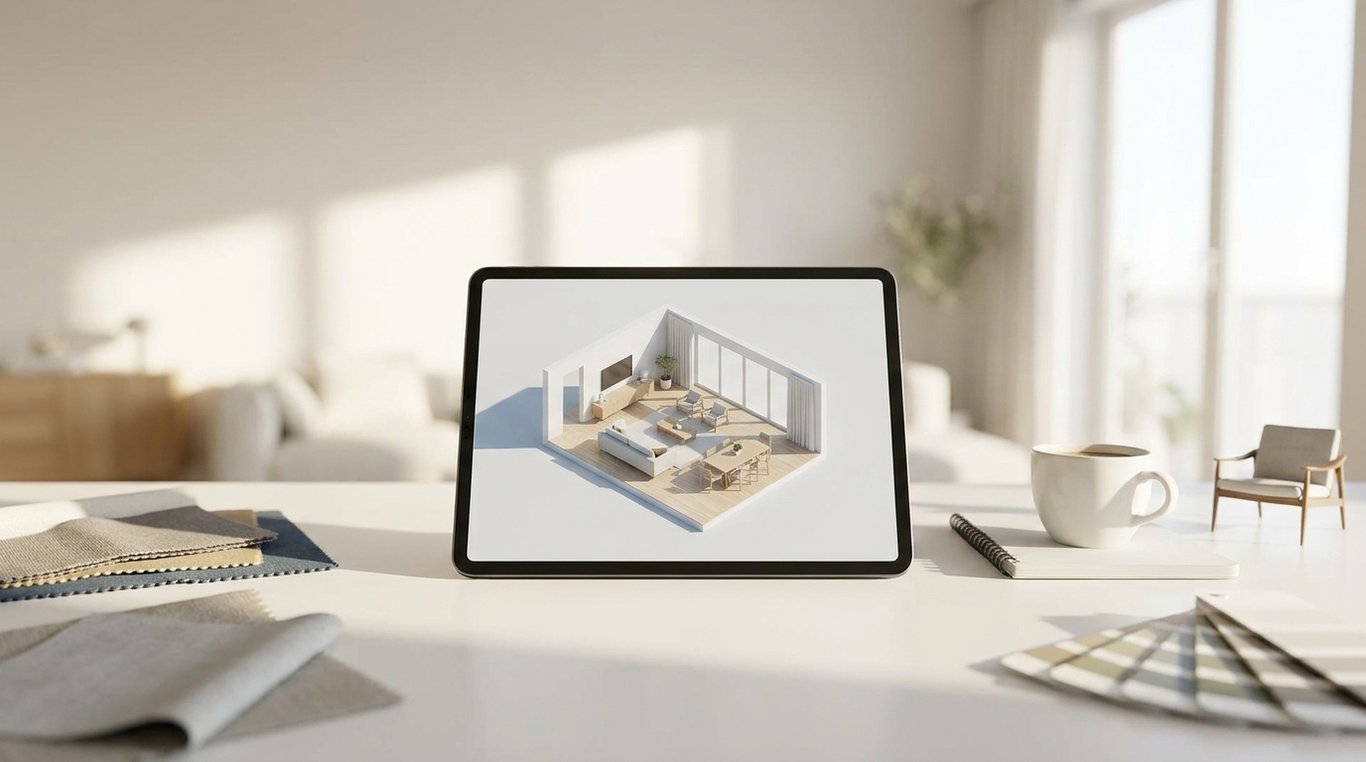

If you are considering Roomstyler 3D Home Planner, the real question is not whether it is “good” in the abstract. It is whether it is the right level of tool for your job. For some people, it is a quick and approachable way to build a room, try furniture layouts, and create a visual concept to share. For others—especially people who need documentation, exact plans, or listing-ready marketing assets—it can feel like the wrong tool very quickly.
In plain English, roomstyler 3d home planner is a browser-based room design tool built for visual mockups rather than technical production work. You create a room, place furniture and decor, switch to 3D, and generate images to communicate an idea. That makes it useful for early design exploration, but less ideal when you need precise floor plans, polished real-estate deliverables, or a fast repeatable workflow across many properties. This article is an overview of how it works, who it fits, where it slows down, and when it makes more sense to move on to another option.
What is Roomstyler 3D Home Planner?
Roomstyler 3D Home Planner is best understood as a visual room mockup tool. It helps users sketch out a space, add furniture and decorative elements, and see the result in a 3D environment. The value is not heavy technical power. The value is that a non-specialist can get from idea to visible room concept without learning professional CAD software.
Its core features are straightforward: build a room shape, add walls and openings, furnish the space from a product-style catalog, adjust placement, and preview the design in 3D. That workflow appeals to homeowners testing a living room setup, renters trying to make a small bedroom work, and design hobbyists who want to compare styles without moving actual furniture. It can also help real-estate agents and marketers communicate a staging direction or layout idea before money is spent on physical changes.
The important expectation to set is that Roomstyler is not the same thing as a floor plan or documentation tool. It may let you work with room dimensions at a basic level, but that is very different from producing measured drawings, construction-ready plans, or exact renovation documents. If your mental model is “I want to visualize this room,” it fits. If your mental model is “I need reliable technical outputs,” it usually does not. For a more feature-led overview of what Roomstyler 3D Home Planner does, see Roomstyler 3D Home Planner: Features, Use Cases, and Limits.
Core features
The tool is centered on visual planning. You start with the shell of a room, then move into furnishing and styling. In practice, that means dragging in items, experimenting with arrangement, and viewing the result from different angles. This visual-first structure is the reason beginners often find it approachable: you do not need to think like an architect to get a useful output.
Another practical strength is style comparison. Users can swap furniture types, test color directions, and explore how a room feels with different arrangements. That can be enough to answer common questions such as whether a sectional overwhelms the room, whether a dining table fits circulation space, or whether lighter finishes make a small bedroom feel more open.
Who it is for
Roomstyler is most useful for people in the early concept phase. That includes homeowners planning a refresh, renters trying to make a space more functional, interior design hobbyists creating mood-and-layout concepts, and agents preparing a visual suggestion for listing presentation. These users typically want speed, accessibility, and a believable concept—not a production package.
It is less appropriate for professionals who need exacting measurement control, standardized outputs, or a workflow that scales across many properties. A single concept room is one thing; generating a consistent set of marketing visuals for multiple listings is another. That distinction matters a lot in real estate, where “good enough to discuss” and “ready to publish” are not the same standard.
How it differs from floor plan tools
The easiest way to separate Roomstyler from true floor planning software is to ask what the final deliverable needs to be. If the final deliverable is a room concept image, a layout idea, or a client-facing design mockup, Roomstyler can make sense. If the deliverable is a measured floor plan, renovation plan, or technical document, you are likely using the wrong category of software.
This is also where many users lose time. They assume a room visualizer will naturally cover technical planning too. In reality, visual tools and documentation tools often overlap only at the very beginning. Once precision, exports, compliance, or formal deliverables matter, the workflow requirements change.
How Roomstyler 3D Home Planner works
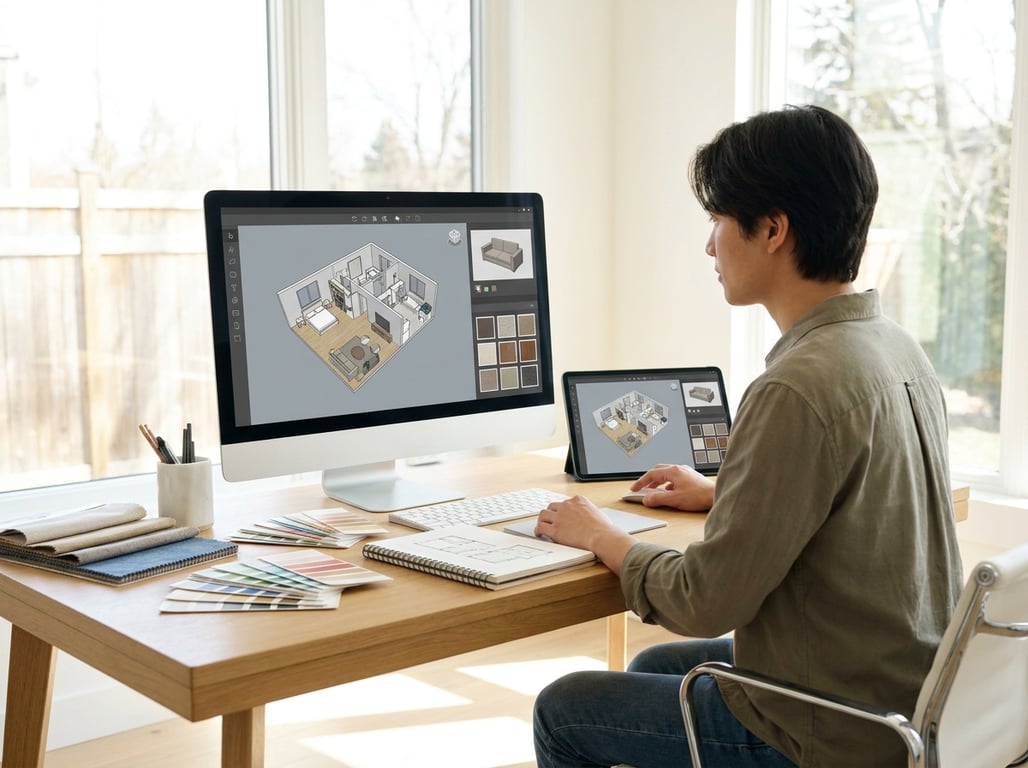
The standard Roomstyler workflow is simple enough to understand before you ever open the tool: build a room, furnish it, then render or share the result. That matters because it tells you what kind of effort is easy and what kind is tedious. A loose concept can happen fairly quickly. A faithful recreation of a real property can take much longer than people expect.
Creating a room
The first stage is setting up the room shell. Typically, that means choosing or drawing a room shape, setting approximate dimensions, and adding structural elements like doors and windows at a basic level. For a simple mockup, this stage can be fast. If you are only trying to answer “Will this sofa-and-rug setup work in a rectangular living room?” you do not need perfect fidelity.
But the time cost rises when you try to match a real room closely. Odd wall angles, multiple openings, unusual ceiling relationships, and exact placement needs can turn a quick exercise into a more detailed modeling session. That is where expectation management matters. A rough room concept may take minutes; a convincing recreation of an actual listing room can become a much more involved task.
Adding furniture
Once the room exists, the tool becomes much more intuitive. You browse furniture and decor, place items in the space, rotate and reposition them, and compare different combinations. This is where Roomstyler tends to feel rewarding, because the visual payoff arrives quickly. You can test styles and layouts without committing to purchases or staging labor.
For homeowners and decorators, that means faster decision-making. For real-estate agents, it can support listing prep conversations: Should the room read as an office, a nursery, or a guest room? Would a lighter furnishing scheme help a dark room feel more open? Used this way, it functions more like a concept board with spatial awareness than a technical planning suite.
The caution is that catalog convenience can create a false sense of accuracy. A furniture item that looks close enough visually may not match the dimensions, finish, or proportions of what will actually be used. That is usually fine for inspiration. It becomes risky when someone mistakes a conceptual room for a guaranteed real-world fit.
Rendering and sharing
After furnishing the room, the next step is viewing it in 3D and creating images to share. This is one of the main reasons people try the tool in the first place: the concept becomes much easier to communicate once it is visible from a realistic angle instead of a top-down layout only.
For casual users, sharing a design image with a partner, client, or seller can be enough. In real-estate workflows, these images can help explain staging direction or show the potential use of an awkward room. But they should be treated as conceptual visuals. They are not a substitute for professional listing photography, and they are not automatically the fastest route to marketing-ready images when speed and consistency matter across many properties.

Pros and limitations
A fair evaluation of Roomstyler has to separate “easy to use” from “strong enough for the job.” It does very well when the task is exploratory and visual. It becomes less compelling when the task is operational, technical, or production-heavy.
| Aspect | Where Roomstyler helps | Where it falls short |
|---|---|---|
| Ease of use | Beginner-friendly, visual-first workflow | Can still become time-consuming for detailed room recreation |
| Styling | Fast way to test layout and decor directions | Catalog items may not reflect exact real-world products |
| Output | Useful for concept images and idea sharing | Not ideal for documentation-grade or listing-package outputs |
| Real-estate use | Good for staging inspiration and client discussion | Weak fit for repeatable, fast, listing-ready marketing workflows |
| Planning depth | Fine for rough dimensions and room concepts | Not a substitute for measured floor plans or CAD tools |
Ease of use
The biggest advantage is the low learning curve. Many users can produce something recognizable without formal training. That matters because tools only create value when people will actually use them. A simple interface often beats a powerful one if the project is small and the user is not technical.
Still, “easy” should not be confused with “frictionless.” The moment you try to match a real property in detail, easy tools can become fiddly. Small alignment issues, item substitutions, and perspective adjustments add up. Beginners usually enjoy the first draft; they are less enthusiastic when they try to perfect it.
Catalog strengths
Catalog-based furnishing is one of the more practical benefits. Instead of modeling objects from scratch, users can test a room with ready-made furniture and decor. That allows for quick iteration, which is exactly what early design work needs. You can compare styles, change the mood of a room, and find a direction without a large time investment up front.
The limitation is that catalog breadth is not the same as design certainty. Even if an object looks convincing in the mockup, it may not match the dimensions, price point, or sourcing reality of the final room. For inspiration, that is acceptable. For procurement or exact planning, it is not.
Real-estate workflow limitations
This is where the gap becomes most obvious. In real estate, agents and marketers often need outputs that are fast, consistent, easy to explain, and suitable for listing packages. Roomstyler can help during ideation—especially when discussing potential staging, room purpose, or layout fixes—but it is not automatically the best tool for producing repeatable marketing visuals at scale.
There are also practical considerations beyond design quality. Listing workflows may require multiple images quickly, consistency across rooms or properties, and visuals that align with marketing or MLS-safe communication standards. A manually built room planner can become a bottleneck here. If that is your use case, read Roomstyler 3D Home Planner: What It's Best For, which explains when a different approach is usually more efficient.
Best use cases
The best use cases for Roomstyler all share one trait: the output is meant to communicate an idea, not finalize a technical or commercial deliverable. When readers understand that distinction, the product makes much more sense.
Personal room mockups
For personal use, Roomstyler is often a practical way to reduce uncertainty before buying furniture or rearranging a room. You can test whether a bed orientation improves circulation, whether a dining area feels too cramped, or whether a different seating layout makes a living room feel more social. Even if the model is not exact, it can prevent obvious mistakes.
This use case works because the stakes are moderate. You are not promising a contractor a formal plan or delivering a finished marketing package. You are simply making better decisions with the help of a visual draft.
Listing prep inspiration
For real-estate professionals, the tool can be useful before a listing goes live. A vacant room can be hard for sellers and buyers to interpret, and an awkward space may need help telling a more convincing story. A quick mockup can suggest how to stage a bonus room, define a dining area, or show that a small bedroom functions best as an office.
The key caveat is that this is inspiration, not replacement. A Roomstyler concept can support decision-making, but it does not replace professional photography, in-person staging judgment, or a polished marketing workflow. Its role is “show the idea,” not “finish the entire listing presentation.”
Client-facing concept boards
Roomstyler also works well in early conversations with clients. If you need to align on direction before spending money, a visual concept can save time. Designers, agents, and marketers can use it to communicate how a room might function, what mood they are aiming for, or which furniture scale seems appropriate.
This is particularly helpful when words are not enough. A seller may not understand “lighter, more open, modern transitional” in the abstract. They often understand it immediately when they see a mockup.
When to choose an alternative
People usually switch away from Roomstyler for one of three reasons: they need faster visual output, they need more technical precision, or they need real-estate-specific deliverables. Once your project crosses into one of those categories, forcing Roomstyler to do the job can create unnecessary delay.
If your priority is speed to marketing visuals, especially from existing property photos, a photo-based or AI-assisted workflow may be more practical than building rooms manually. If your priority is floor plans, measured drawings, or renovation documentation, you will want software designed for planning accuracy. And if your priority is a repeatable listing package with multiple polished outputs, you likely need tools built around real-estate production rather than room-by-room concepting.
That does not mean Roomstyler is poor. It means it has a lane. It is strong when the problem is uncertainty in a room concept. It is weaker when the problem is production efficiency or technical rigor.
FAQ
Is Roomstyler 3D Home Planner free?
Roomstyler has commonly been presented with an accessible entry point, but pricing models and feature limits can change over time. The safest assumption is that there may be a free or limited-use path alongside paid capabilities or upgraded options. If pricing matters for your decision, check the current plan details directly before committing your workflow to it.
What can you do with Roomstyler?
You can use it to:
- create a basic room layout
- add furniture and decor to test arrangements
- explore different interior styles
- preview a room in 3D
- share concept images for feedback
- communicate staging or design direction in early discussions
Is Roomstyler good for real estate?
It can be good for real estate when the goal is inspiration, staging discussion, or helping clients visualize room potential. It is less effective when you need fast listing-ready visuals, standardized output across many properties, or technical planning documents. In other words, it is a useful concept tool for real-estate marketing, not a complete listing production system.
What is the best alternative to Roomstyler?
The best alternative depends on what you need next. If you need faster listing visuals, look for tools built around photo-based or marketing-focused workflows. If you need floor plans or measured outputs, look for planning software. If you want a broader comparison of categories, Best room planner app tools: layout vs listing-ready 3D and Computer Software for Home Design are better next reads than choosing blindly.
Conclusion: Choose Roomstyler if… / Choose something else if…
Roomstyler makes the most sense when you want a visual answer quickly and you do not need the answer to be technical, formal, or production-ready. It is a concept-first tool. That is both its strength and its limit.
Choose Roomstyler if:
- you want to test room layouts and furniture ideas visually
- you are a homeowner, renter, or hobbyist who values ease of use
- you need an early-stage concept to discuss with a client or seller
- you are exploring staging direction rather than final marketing assets
Choose an alternative if:
- you need floor plans, measured drawings, or renovation documentation
- you need listing-ready visuals fast and at scale
- you need consistent outputs across multiple properties
- you want a workflow centered on real-estate marketing deliverables
Used with the right expectations, Roomstyler can be genuinely helpful. Used as a substitute for technical planning or listing production, it can become a time sink. The simplest rule is this: use it to clarify an idea, not to force a full professional workflow out of a concept tool.