
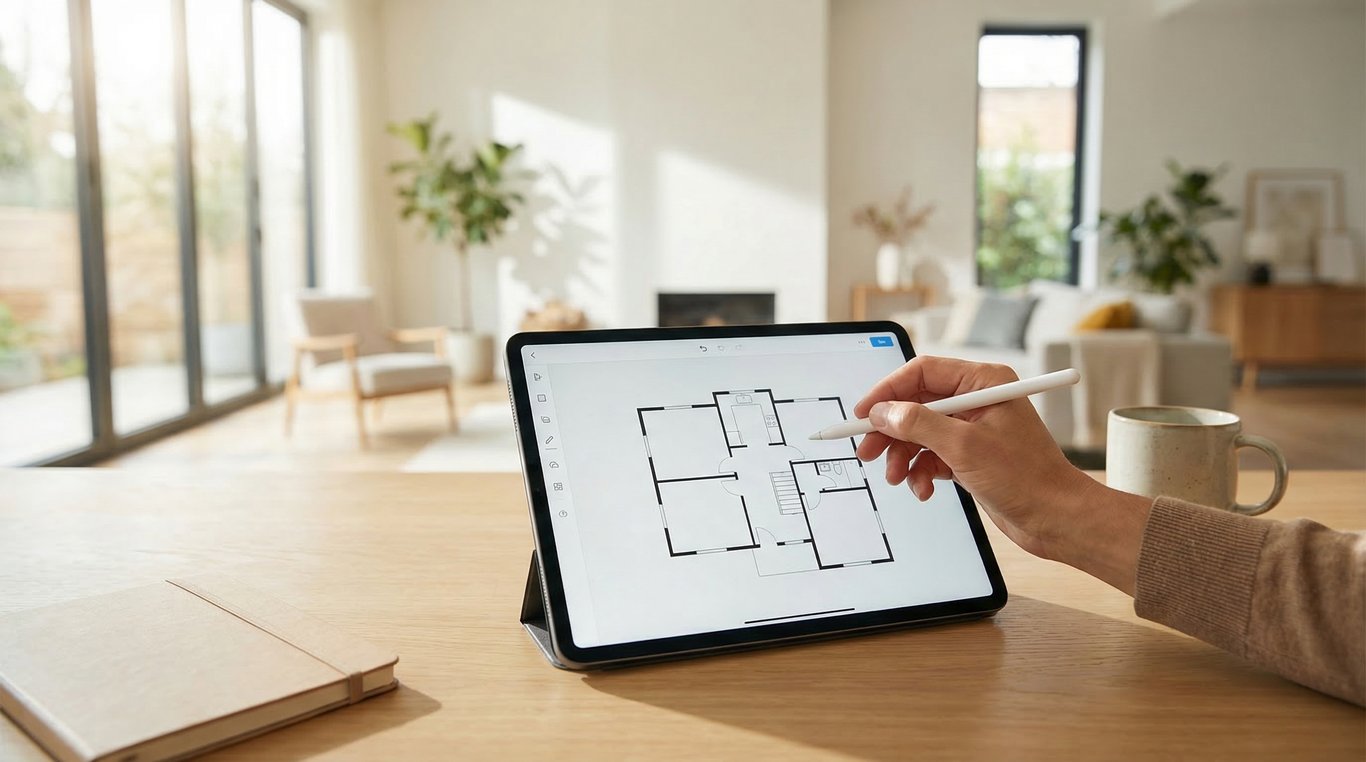

A free house floor plan creator can do more than fill a marketing checkbox. For many listings, it helps buyers understand room flow faster, reduces confusion in photo galleries, and gives agents a clearer way to present homes that are empty, dated, or unusually arranged.
That matters because buyers do not just want attractive photos. They want to know how the home works. If they cannot quickly understand bedroom placement, traffic flow, or how the kitchen connects to living spaces, they may move on before booking a showing.
For agents, sellers, and renovation-minded marketers, the goal is not simply to create a floor plan free of charge. The goal is to choose a practical floor plan creator that improves listing comprehension while fitting a realistic workflow.
This guide explains when a free floor plan creator is good enough, how it compares with other tools, and how to pair plans with renovation visuals when a property needs more context.
What buyers and agents actually need from a free house floor plan creator
A useful free house floor plan creator is not necessarily the one with the most design features. It is the one that helps people understand a property quickly.
Fast room layout creation
In listing marketing, speed matters. Agents and homeowners often need to build a simple plan from existing measurements, listing records, sketch notes, or prior documents. A strong floor planner creator should let you:
- add rooms quickly
- adjust walls without technical drafting knowledge
- label spaces clearly
- show doors, windows, and major transitions
- produce a readable plan without a long setup process
If you already have partial property information, it may help to find floor plans by address before starting from scratch. Even incomplete historical data can reduce manual work and improve consistency.
Readable listing-ready exports
A plan that looks fine inside a browser but exports poorly will not help your marketing. Buyers need a clear image on mobile, desktop, listing portals, brochures, and email attachments.
Look for exports that keep:
- room labels legible
- line weights clean
- exterior shape easy to interpret
- orientation obvious
- file quality high enough for print and web
For listing use, readability beats decorative styling. A buyer should understand the plan in a few seconds.
Simple edits for renovation scenarios
Many homes need more than a layout. They need explanation. That is especially true for older homes, empty rooms, and spaces with awkward use history.
A free floor plan creator becomes more valuable when it supports simple what-if edits such as:
- removing a non-structural partition from a concept sketch
- relabeling underused spaces n- showing alternate furniture flow
- clarifying how a room could function after updates
This is where plan creation starts to overlap with house drawing inside concepts. Interior layout visuals help buyers move from “What is this room?” to “I understand how this home could work.”
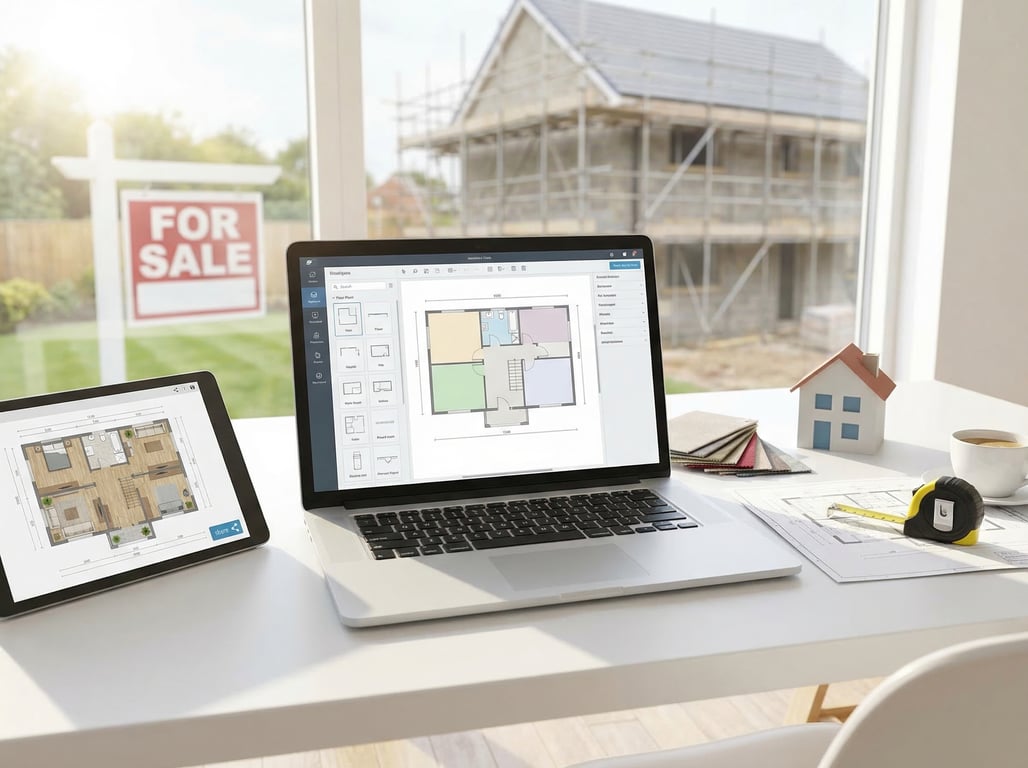
When a floor plan creator helps a listing perform better
Not every listing needs a plan. But some listings benefit from one far more than others.
Empty or confusing layouts
Vacant homes can feel hard to read in photos alone. Without furniture, room scale and purpose become less obvious. A free house floor plan creator helps add structure to the visual story.
Use a plan when:
- rooms look similar in photos
- buyers may not understand the sequence of spaces
- multiple levels create orientation problems
- the home has additions or split-level sections
In these cases, a floor plan often reduces confusion that static images cannot solve.
Fixer-uppers that need visual context
A dated property may have strong potential but weak presentation. Buyers often need help seeing the layout separately from the current finishes.
This is one of the best use cases for a free floor plan creator. The plan explains what exists now, while renovation concepts help explain what could exist next. That combination is especially effective when marketing homes to investors, flippers, first-time buyers willing to renovate, or owners comparing pre-listing improvement options.
Homes with unusual room flow
Some homes are not flawed, just unfamiliar. Converted basements, long ranch layouts, room-to-room transitions, additions over time, and nonstandard primary suites can all create friction during buyer review.
A simple plan can clarify:
- whether bedrooms are grouped or separated
- how public and private areas connect
- where stairs interrupt circulation
- how extensions changed the original structure
When buyers understand flow sooner, they can judge fit more accurately.
Floor plan creator vs floor planner vs renovation visualization
These terms are often used interchangeably, but they support different listing needs.
What each tool does well
A floor plan creator is usually focused on producing a clean layout quickly. It is practical, output-oriented, and useful when you need to make floor plan free for a listing presentation.
A floor planner may offer broader design controls, furnishing tools, or planning flexibility. If you want a deeper comparison, see our guide to floor planner for real estate agents.
Renovation visualization tools focus on showing possible updates. These tools are less about exact plan drafting and more about helping buyers imagine changes.
A simple way to compare them:
- floor plan creator: best for layout clarity
- floor planner creator: best for layout plus design manipulation
- renovation visualization: best for showing after-state possibilities
Where 2D plans stop helping
A 2D plan explains structure, but it does not fully communicate mood, finishes, or future transformation. Buyers may understand that the kitchen connects well to the dining room without understanding how a renovated version could look.
That is where static plans reach their limit. They answer “how the home is organized,” but not always “why this home could feel better after updates.”
When before/after visuals add clarity
If a listing struggles because buyers cannot see past dated finishes, pair the plan with concept visuals. Resources like AI room design for real estate and virtually staged photos for real estate can complement the plan by translating layout into emotional appeal.
The most effective combination is often:
- clear 2D layout
- one or two key renovation concepts
- concise notes about use, scale, and flow
That approach gives buyers both logic and imagination.
How to choose a free house floor plan creator
A commercial decision should focus on whether the tool supports real listing outcomes, not whether it has the longest feature list.
Accuracy and measurement inputs
Start with the inputs. A floor plan creator is only as reliable as the data going into it. Check whether the tool can support:
- exact room dimensions
- wall length adjustments
- multi-room alignment
- door and window placement
- unit settings that match your market
If your workflow depends on existing property records, old brochures, or measured sketches, make sure the tool makes correction easy. Small inaccuracies can create trust issues if the published plan feels visibly off.
Export quality for MLS and brochures
Free tools often limit export size, remove useful details, or place branding over the finished image. Before committing, test an export in the same places you will actually use it:
- MLS attachments
- brochure PDFs
- listing landing pages
- social carousel posts
- email follow-ups
If export quality is poor, the time savings from a free floor plan creator disappear quickly.
Ease of use for agents and homeowners
The best tool is often the one that a non-designer can use consistently. Agents, sellers, assistants, and renovation consultants may all touch the same listing workflow.
Look for a tool with:
- intuitive wall and room editing
- simple labeling
- quick duplicate or template functions
- low learning curve
- support for basic listing presentation needs
If you are comparing broader options beyond floor plans, this overview of home design software for real estate use cases can help frame what belongs in a listing workflow versus a design workflow.
Upgrade traps and free-plan limits
This is where many free tools become expensive in practice. Before adopting one, check for:
- watermark restrictions
- limited exports
- locked high-resolution downloads
- capped project counts
- missing commercial usage rights
- forced upsells for room labels or branded outputs
Checklist: what to look for in a free house floor plan creator
- clean, readable 2D output
- enough editing flexibility for common layouts
- accurate measurement handling
- export formats usable in listing materials
- minimal branding or watermarks
- simple collaboration for agents or sellers
- fair free-plan limits for real projects
Best workflow for marketing a property with both a floor plan and after-image concepts
For many listings, the strongest result comes from combining clarity with possibility.
Start with room flow
Begin with the floor plan. Use it to show how the home works today. Focus on bedroom grouping, living area relationships, entry points, and any unusual circulation.
This first step is essential because buyers need orientation before they can appreciate transformation.
Add renovation concepts for key spaces
Once the layout is clear, layer in concept visuals for the rooms that most affect buyer hesitation. Usually that means:
- kitchen
- living room
- primary bath
- exterior entry
- awkward bonus room
Use after-images selectively. You do not need to redesign the whole house. You only need enough visual evidence to help buyers see what is possible.
Present both in listing materials
The best presentation sequence is usually:
- hero property photos
- floor plan image
- selected renovation concepts
- concise captions explaining the opportunity
This combination works well on listing pages, seller presentations, buyer follow-up emails, and social promotion. It is especially effective when you want to connect floor plans and renovation visuals without overwhelming the audience.
Common mistakes when making floor plans for listings
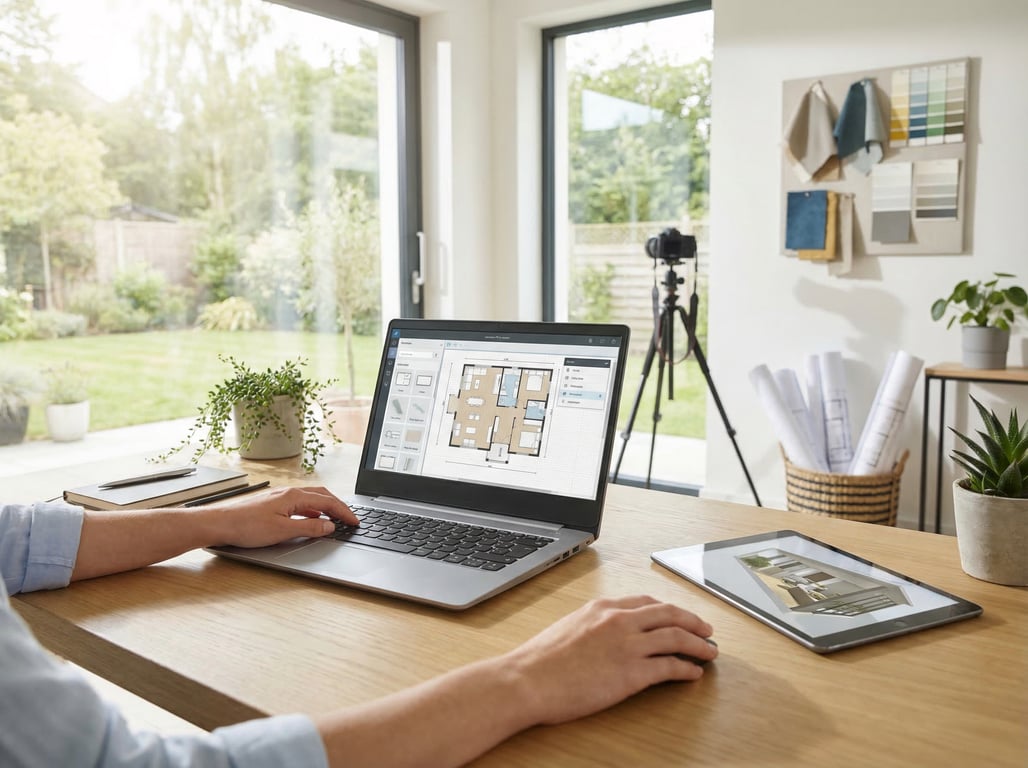
A free floor plan creator can help, but only if the final output stays focused on buyer understanding.
Over-designing instead of clarifying
Listing plans are not architecture-school projects. Too many textures, furniture details, colors, and decorative elements can reduce readability.
Prioritize:
- room names
- clear walls
- simple door swings if needed
- logical orientation
- easy-to-scan structure
Publishing low-resolution plans
A blurry plan undermines trust. If buyers cannot zoom in and read labels, the asset loses value.
Always preview the final file on:
- mobile screen
- desktop listing page
- printable brochure
- email attachment preview
If any version looks soft or compressed, re-export before publishing.
Ignoring room labels and orientation
Even an accurate plan becomes confusing if readers cannot tell which room is which or where the entrance sits. Include clear labels, and if relevant, add directional context or a simple north marker.
This is one of the easiest ways to improve a plan without changing the underlying drawing.
Key takeaways
- Keep the article commercial and decision-oriented, not a generic software roundup.
- Differentiate from the existing floor-planner article by centering on creator language, free-use considerations, and listing conversion use cases.
- Bridge floor plans with renovation visualization as complementary assets for hard-to-sell or empty homes.
- Use examples around agents, homeowners preparing to sell, and renovation pros pitching possibilities.
FAQ
Is a free house floor plan creator good enough for listing marketing?
Yes, if it produces accurate, readable, listing-ready exports. For many properties, a free option is enough when the main goal is buyer clarity rather than advanced design work.
What is the difference between a floor plan creator and a floor planner?
A floor plan creator is usually more focused on quickly building a clean layout. A floor planner often includes broader design, furnishing, or editing features beyond the basic plan.
Can floor plans help market renovation potential?
Yes. A floor plan explains what exists, while renovation concepts show what could change. Together they help buyers understand both layout and opportunity.
What is a free house floor plan creator?
It is a tool that lets you build a basic home layout without paying upfront. In real estate, it is commonly used to show room arrangement, dimensions, and property flow.
Is there a difference between a floor plan creator and a floor planner?
Yes. The terms overlap, but a creator usually emphasizes making a plan quickly, while a planner may include more advanced design and layout features.
Can I use a free house floor plan creator for a real estate listing?
Yes, as long as the output is accurate, readable, and permitted for your intended use. Always check export quality and any free-plan limitations before publishing.
Do floor plans help buyers understand renovation potential?
Yes. They help buyers see structural logic first, which makes renovation concepts easier to understand and more believable.